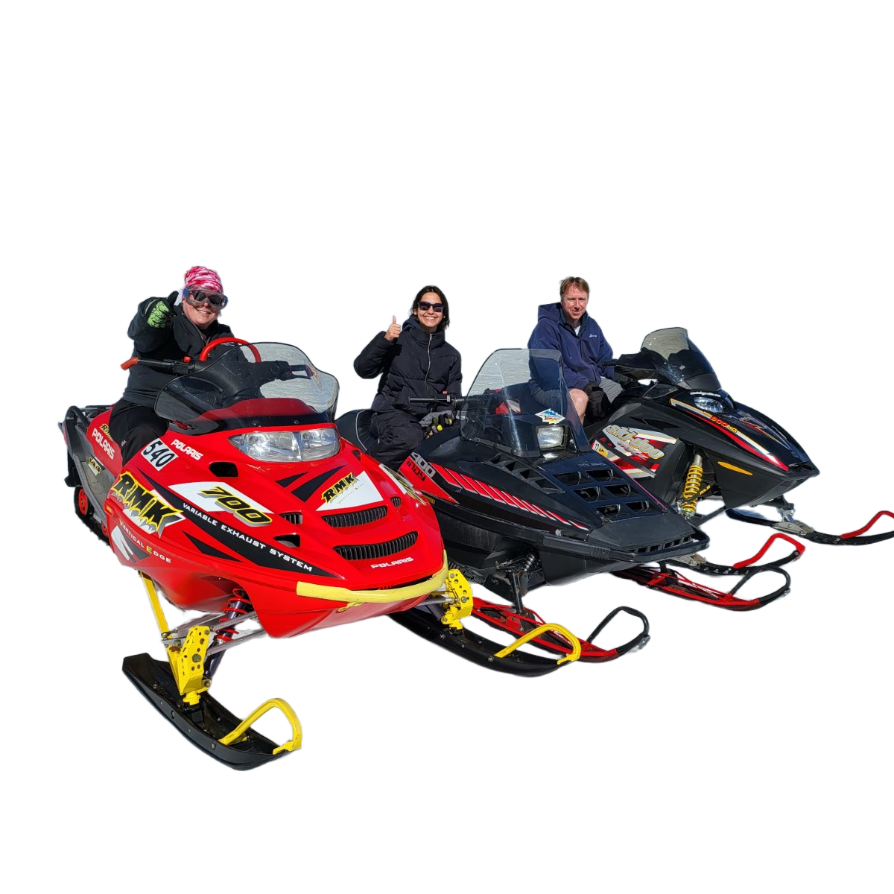
Utility
Background Removal
Turn a busy photo into a clean subject-focused image by removing the background around people, products, animals, flowers, landmarks, vehicles, and everyday objects.
Why Use Background Removal?
Background Removal helps separate the important subject from the scene around it. Use it when you want cleaner profile images, product-style cutouts, classroom materials, craft assets, social posts, print layouts, or a simpler image to use in another creative workflow.
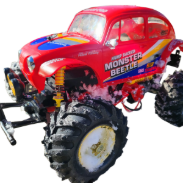
Vehicles and Gear Stand Alone
Remove the surrounding scene so cars, trucks, bikes, snowmobiles, and other equipment can be shown clearly, like the red monster truck on a clean background.
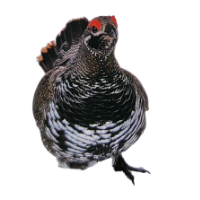
Wildlife Stays Recognizable
Isolate animals while preserving important markings, posture, feathers, fur, and expression, like the alert grouse with speckled plumage and a red facial patch.

Handmade Objects Look Cleaner
Crafts, toys, ornaments, gifts, and product photos can become tidy cutouts with less visual clutter, like the crocheted snowman with its red hat and stitched smile.

Landmarks Become Simple Assets
Architecture, signs, monuments, and travel subjects can be separated from the original setting, like the Eiffel Tower silhouette shown without surrounding distractions.
How to Remove a Background
Background Removal works best when the main subject is visible and separated from the scene around it. It is useful for people, pets, products, flowers, vehicles, wildlife, handmade items, landmarks, and group photos where the background is distracting or unnecessary.
Choose a photo with good lighting and a subject that is not heavily hidden behind other objects. Clear edges, contrast, and a focused subject usually produce the cleanest cutout, while hair, fur, transparent objects, and very busy edges may need a more careful source photo.
Choose a clear subject
Start with a photo where the person, object, animal, flower, vehicle, or landmark is easy to see and not blended into the background.
Remove the background
Use Background Removal to separate the subject from the surrounding scene and create a cleaner, simpler image.
Download and reuse it
Use the isolated result in social posts, profile images, product mockups, classroom materials, craft projects, print layouts, or as a cleaner base for another style.

Background Removal Examples
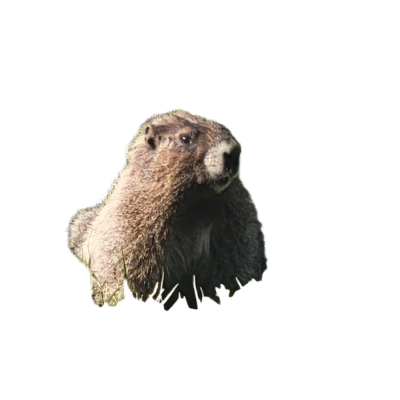
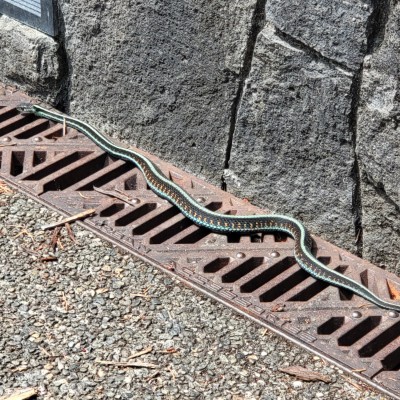
These examples show how Background Removal handles different subjects: a child is separated from a rocky outdoor scene, a groundhog is pulled out of a grassy meadow, and a patterned snake is isolated from a textured grate and stone background.


Child Portrait Cutout
A smiling child in a yellow shirt and blue sun hat is isolated from the rocky outdoor setting so the portrait becomes clean and subject-focused.

Groundhog Wildlife Cutout
A groundhog from a grassy meadow becomes a cleaner animal cutout with its fur, eyes, whiskers, and curious pose kept visible.

Snake Shape Isolation
A slender patterned snake is separated from the metal grate and stone background, preserving its diagonal shape and shimmering scale detail.
Background Removal Questions
What does Background Removal do?
It removes the surrounding scene from a photo so the main subject becomes easier to use on its own in designs, prints, layouts, posts, or follow-up creative workflows.
What photos work best for background removal?
Use clear, well-lit photos where the main subject stands apart from the background. Strong contrast, sharp focus, and visible edges usually help.
Can I remove backgrounds from people and pets?
Yes. Portraits, group photos, pets, and wildlife can work well, especially when faces, bodies, fur, feathers, and clothing are not hidden by clutter.
Can I use it for products or objects?
Yes. Vehicles, handmade items, toys, flowers, landmarks, tools, collectibles, and product photos can become cleaner cutouts for catalogs, mockups, crafts, and presentations.
What kinds of photos are harder to clean up?
Very blurry photos, dark images, crowded scenes, transparent objects, fine hair, thin branches, or subjects that match the background color may produce less precise edges.