Tutorials & Guides
Learn to master the FotoMedley platform — from quick tips to in-depth creative workflows.
All Articles
Step-by-Step
How to Upload Photos and Process Them in Style Lab
Upload images into a collection, wait for verification, choose a style, configure layout or resolution options, and generate finished creations.

Creative Workflow
Running Creations Through More Styles
Use generated outputs as new inputs. Remove a background, create a comic character, or turn a themed coloring page into a colorful cartoon.
Organization
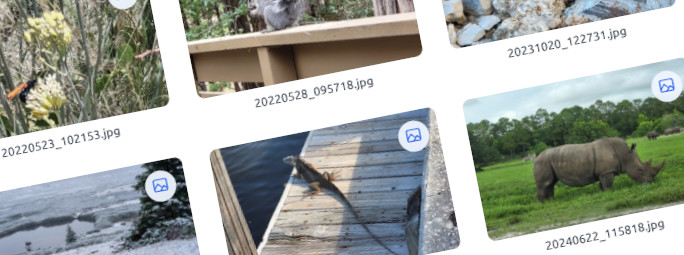
Organizing Work With Image Collections
Create named collections for uploads and output styles, then select and move images between collections after processing.
Step-by-Step
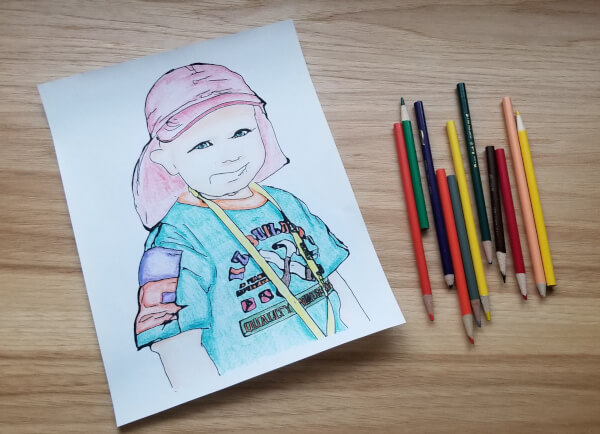
Create a Coloring Sheet From a Photo
Choose a strong source photo, process it with the latest Coloring Page AI style, download the result, and make a clean print you can color.
Creative Workflow
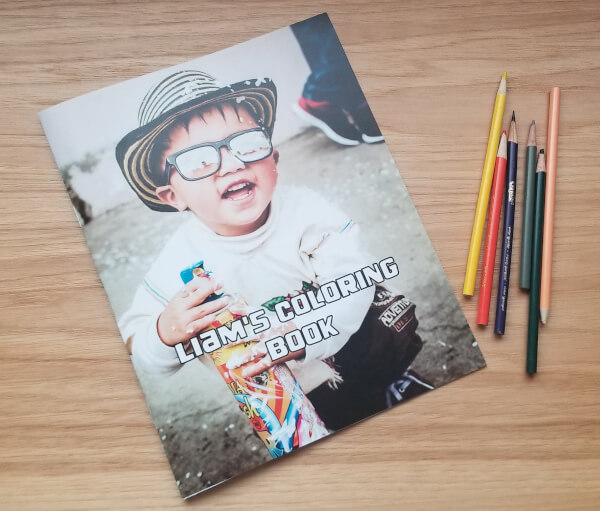
Create a Custom Coloring Book From Your Photos
Generate a coordinated page set in Style Lab, lay out each page in Creative Canvas, and prepare the files for home or local printing.

How It Works
How FotoMedley’s AI Coloring Pages Compare
Compare filter-based outlines, historical FotoMedley methods, and the latest generative AI styles—then judge the results in print.
Ready to try it yourself?
You don't need an account to stage your first photo and explore styles. Jump straight in!