Use Your Creations as Inputs for the Next Style
A FotoMedley result does not have to be the final stop. Once an image has been generated, you can select that creation as a new source and send it through another style to isolate, recolor, simplify, or exaggerate it.
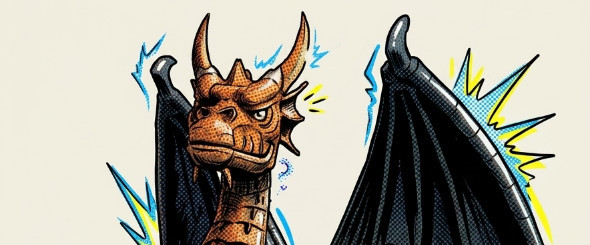
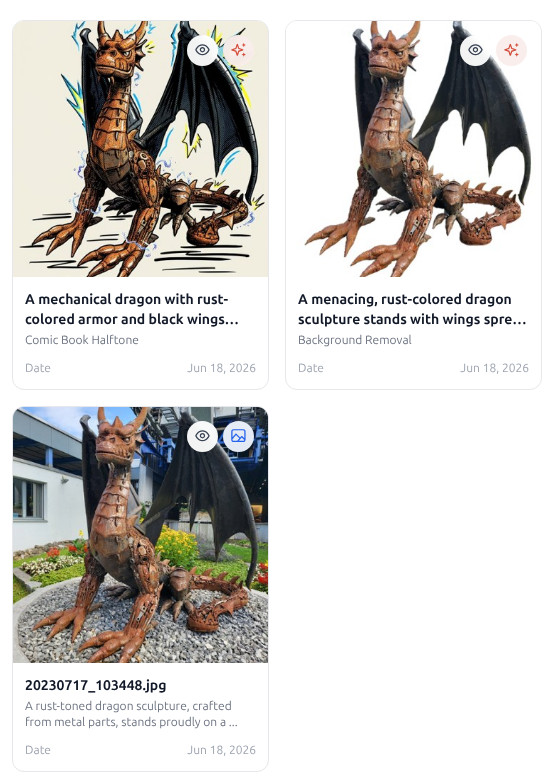
A background-removed creation can become the clean source for a comic-style character.
The key is the Creations toggle on the Inputs step. Uploads are the photos you started with; creations are the outputs FotoMedley has already generated. Both can become sources for a new Style Lab run.
Make a Useful First-Pass Result
Start with a normal Style Lab run. Upload a source image, wait for verification, select it, choose a style, review any configuration, and generate. When processing finishes, the output is saved as a creation in the active collection.
For chained workflows, the first result does not need to be the prettiest image in the whole project. It needs to give the second style something cleaner to work with: a transparent-looking cutout, a strong black-and-white outline, a simplified costume theme, or a subject with less background clutter.
Select the Creation as the Next Input
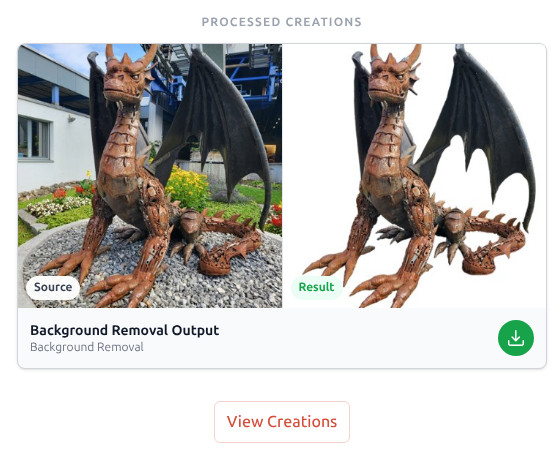
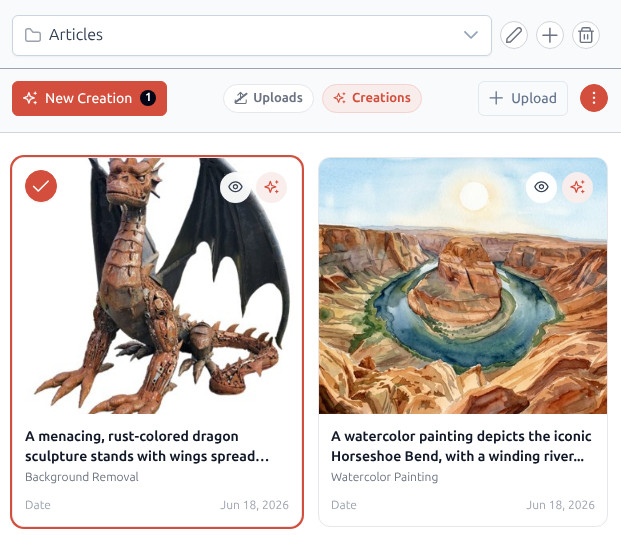
After the first batch completes, use View Creations or return to the Inputs step. Turn on the Creations source filter so generated outputs appear in the grid alongside uploads from the same collection.
Select the generated result just like any other image card. The source badge helps you tell uploads and creations apart, and the original upload stays available in the collection if you want to back up and try a different first pass.
Try a Two-Style Recipe With a Clear Purpose
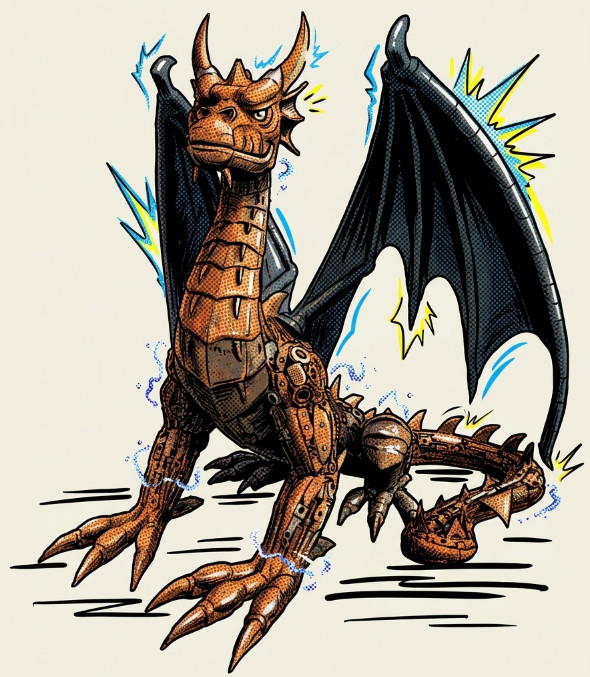
A simple recipe is Background Removal followed by Comic Book Halftone. First isolate the subject from the original background. Then process that cutout as a comic-style character so the second style can focus on the person, pet, or object instead of the room behind it.
For a printable project, try Cowboy Coloring Theme first. That creates a western black-and-white activity page from the original photo. Then select that generated coloring page as the next input and run it through 2D Cartoon to create a colored companion image with the same themed structure.
The best chains have an order
Use cleanup and structure styles first, then use color, texture, and character styles second. Background Removal before comic art usually works better than comic art before background removal.
Compare the Chain and Keep the Useful Middle Versions
During each processing run, compare Source and Result. Sometimes the intermediate image is the most useful version even if the final image is more dramatic. Keep clean cutouts, strong outlines, and clear themed versions because they can become inputs for future styles.
When the chain is done, download the finished result you need now, then move the strongest outputs into a named collection such as “Comic Characters,” “Cutouts,” or “Coloring Pages to Finish.” A little organization makes the next creative pass much faster.
Ready to build a style chain?
Start with one image and two styles. Once the chain works, repeat it across a larger batch.
Open Style Lab