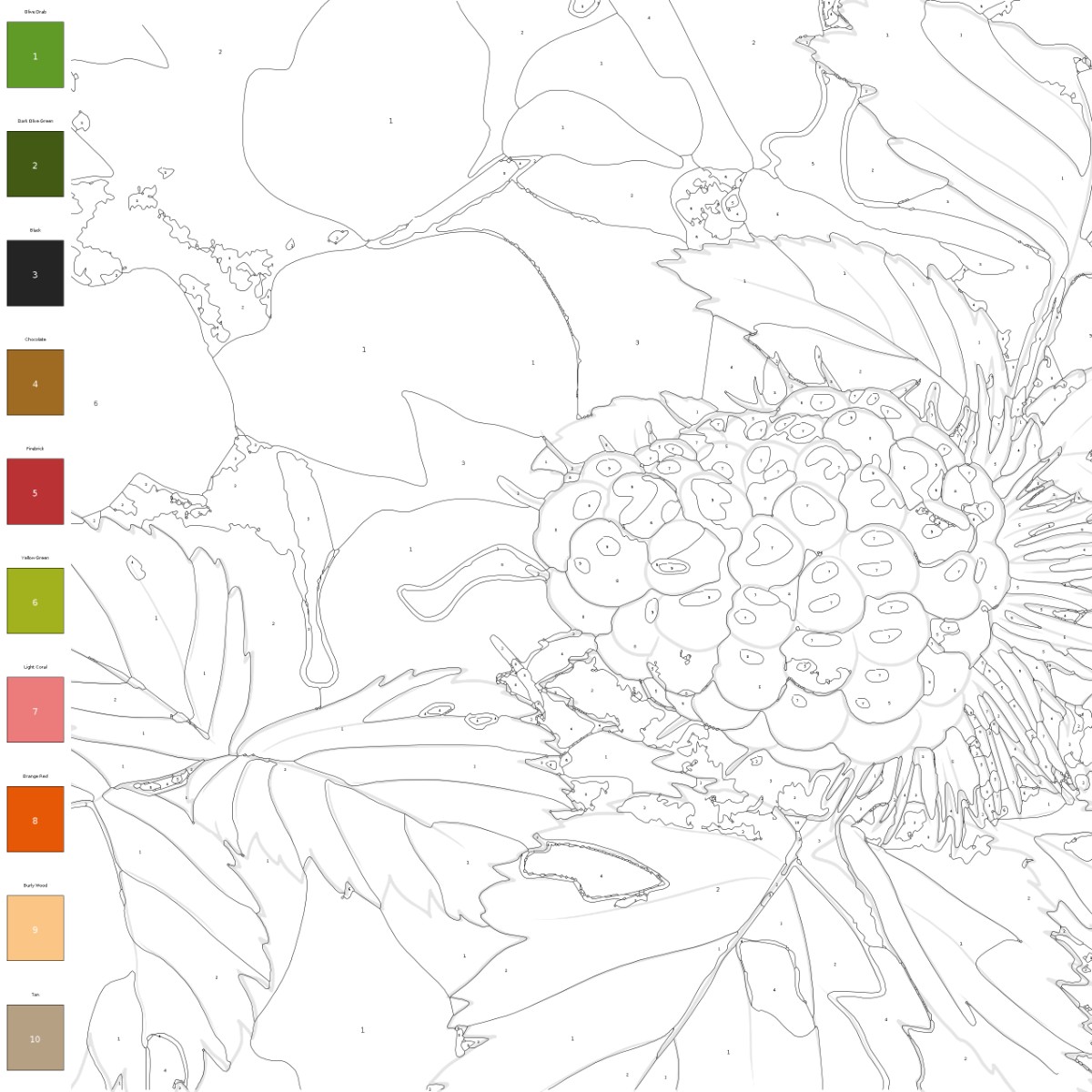
Activity
Color by Number
Create printable color-by-number pages from photos with outlined regions and a matching color key.
What Color By Number Adds To Your Photo
These examples show how the style turns real subjects into guided coloring activities with line art, numbered sections, and palette cues.
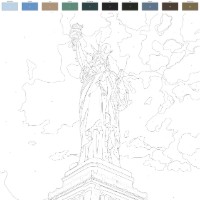
Iconic Subjects With A Palette
Landmarks like the Statue of Liberty become structured line art with a visible color palette, turning recognizable scenes into guided coloring projects.
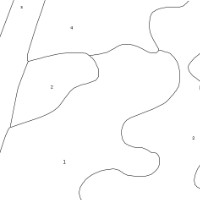
Numbered Region Maps
The generated page can break shapes into numbered areas, giving color-by-number structure instead of a plain open-ended coloring sheet.
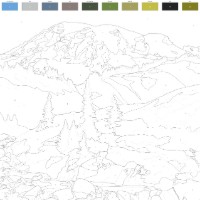
Landscape Color Keys
Mountain scenes keep their ridges and contour lines while a palette above the drawing suggests colors for sky, rock, trees, and terrain.
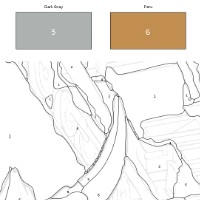
Swatches Matched To Areas
Labeled swatches, like the gray and tan mountain example, help connect numbered regions to the colors intended for each part of the image.
Make A Color By Number Page From A Photo
Color by Number turns a photo into a guided coloring activity instead of a plain sketch. The page keeps the important outlines, separates the image into simpler regions, and pairs those regions with a color key so the finished activity feels closer to a custom paint-by-number page from your own photo.
This style works especially well for photos with clear shapes and interesting color areas: flowers, plants, landscapes, landmarks, architecture, travel scenes, simple portraits, pets, and objects with strong silhouettes. A strawberry bush can become a botanical color-by-number page, a salt flat can become a quiet landscape activity, and ancient ruins can turn into a detailed architecture page with earthy palette choices.
For best results, choose photos that are bright, focused, and not overly crowded. Very tiny details, low contrast, heavy shadows, or busy backgrounds can create small regions that are harder to color. If you want a cleaner activity page for kids, start with a simple subject; if you want a longer coloring session, choose a detailed flower, landmark, ruin, or landscape.
Choose a photo with clear shapes
Pick a flower, pet, landmark, landscape, travel memory, simple portrait, or object where the main forms and color areas are easy to see.
Generate numbered color regions
Apply Color by Number to create black-and-white outlines, numbered sections, and a palette legend based on the photo's major colors.
Print and follow the key
Download the finished activity page, print it, and color each numbered area using the matching palette for classrooms, gifts, parties, or custom books.
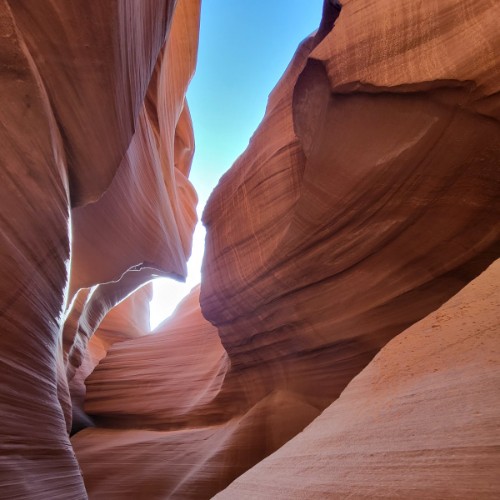
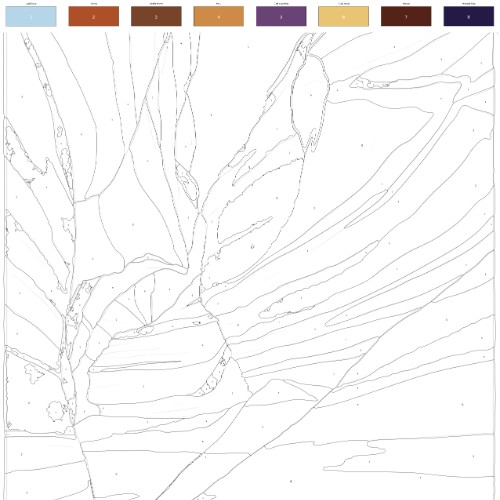
Color By Number Examples
These examples show botanical detail, wide-open landscape shapes, and architectural texture turned into guided coloring activities.
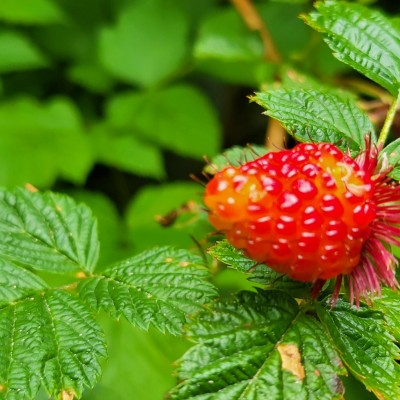
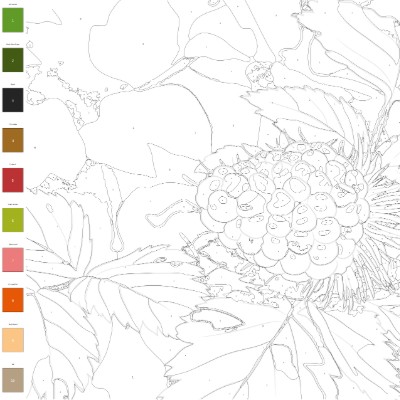
Botanical Color Key
A close-up plant photo becomes a detailed flower-style coloring page with layered petals, line work, and a vertical palette for guided color choices.
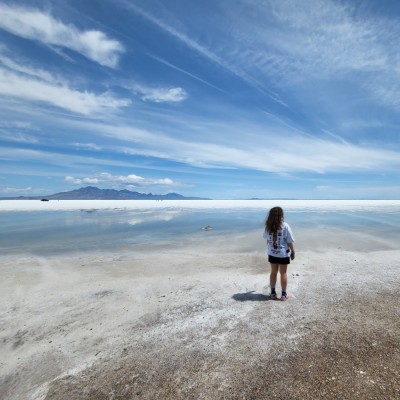
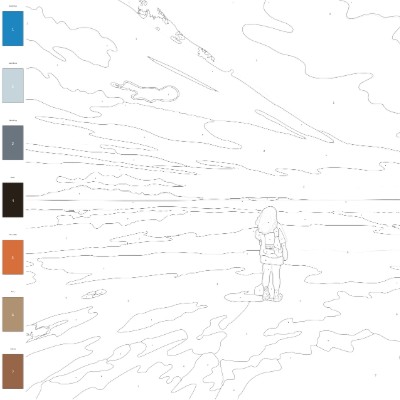
Quiet Landscape Page
A lone figure on a vast salt flat becomes a spare black-and-white landscape activity with broad terrain shapes and a palette beside the scene.
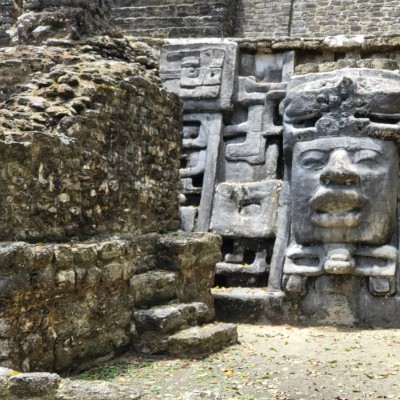
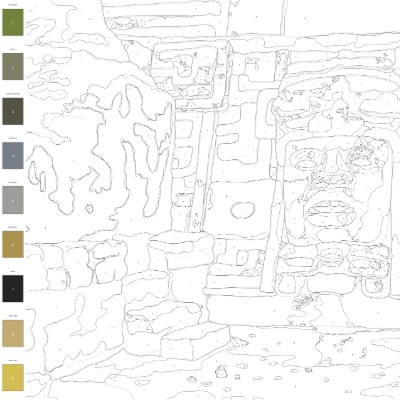
Ancient Ruins Activity
Weathered temple architecture turns into a detailed line drawing with earthy color swatches for stone, shadow, moss, and carved surfaces.
Color By Number Questions
How do I turn a photo into a color-by-number page?
Upload a clear photo, choose Color by Number, and generate the result. FotoMedley creates a printable activity page with black-and-white outlines, numbered regions, and a color palette to follow.
Is this the same as paint by number from a photo?
It is similar in purpose: both guide you through coloring a custom image with a palette key. This style creates a printable color-by-number activity page from your photo, designed for coloring with crayons, markers, pencils, or other media.
What photos work best for color by number?
Photos with clear shapes and distinct color areas work best. Flowers, plants, pets, landmarks, landscapes, simple portraits, buildings, vehicles, and travel photos usually work better than dark, blurry, or very cluttered images.
Is Color by Number good for kids?
Yes, especially with simple photos that have large shapes and fewer tiny details. More detailed images, like flowers, ruins, and landscapes, may be better for older kids, teens, or adults who enjoy longer coloring sessions.
Will every small detail get its own number?
No. The style simplifies the photo into practical regions for coloring. Tiny details, text, logos, facial features, and background clutter may be simplified, merged, or omitted so the page remains usable.
Can I print the finished color-by-number page?
Yes. Download the generated page and print it for home activities, classroom projects, party favors, custom coloring books, gifts, or quiet creative time.
How can I get a cleaner numbered coloring page?
Use a bright, focused photo with one main subject, crop out clutter, and avoid images with heavy shadows or lots of tiny overlapping details. Simple subjects usually create larger, easier-to-color numbered regions.