Utility
Flat Illustration
Convert your photo into a simplified flat-color version with cleaner shapes, fewer distracting details, and a clear structure that is easier to reuse, print, or build from.
Why Use Flat Illustration?
Flat Illustration is a practical cleanup style for turning detailed photos into simpler, more readable images. It keeps the main subject and composition intact while reducing texture, noise, shadows, and tiny details into cleaner color regions.

Cleaner Portrait Inputs
Portraits can keep the person, pose, and clothing while becoming simpler and easier to read, like the graduate in cap and gown against a plain background.
Stronger Shape Separation
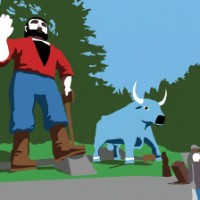
Busy or playful subjects can become easier to parse through clearer silhouettes, flatter color, and reduced background detail, like the tall figure beside the blue ox.
Simplified Room Layouts
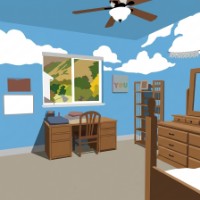
Interior photos can be reduced into organized shapes and readable zones, like the bedroom with clear furniture, walls, window, and ceiling fan.
Reduced Detail in Close-Ups
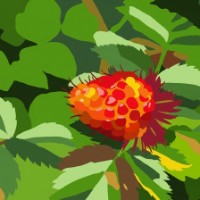
Nature and object photos can keep their main color and structure while dropping excess texture, like the red-orange berry separated from the surrounding leaves.
How to Use Flat Illustration
Flat Illustration is best when you want a cleaner, more controlled version of a photo before using it in a creative workflow. It is useful for simplifying portraits, travel scenes, interiors, landscapes, plants, objects, and other photos where the original has too much texture, shadow, or small detail.
Choose photos with a clear subject and recognizable shapes. The result keeps the overall composition but compresses complex visual information into simpler color areas, making the image easier to print, reference, edit, or transform further.
Choose a readable source photo
Start with a portrait, scene, room, object, or close-up where the important shapes are visible and the main subject is not hidden.
Generate the simplified version
Use Flat Illustration to reduce texture and clutter into cleaner color blocks, clearer edges, and more organized subject shapes.
Use it as a practical output
Download the simplified image for printing, layout work, reference images, classroom materials, craft projects, design mockups, or as a cleaner base for other transformations.
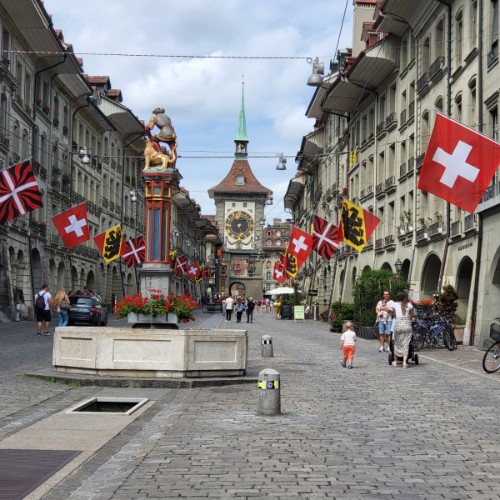
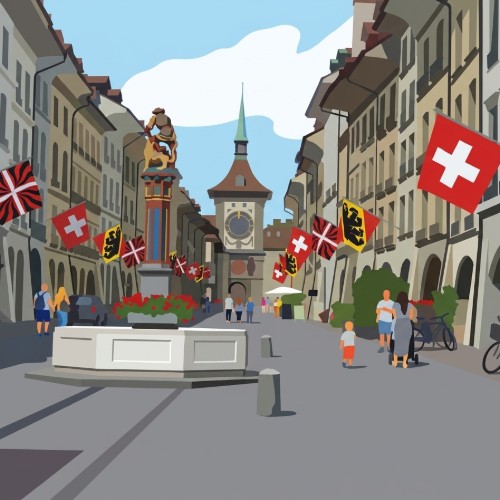
Flat Illustration Examples
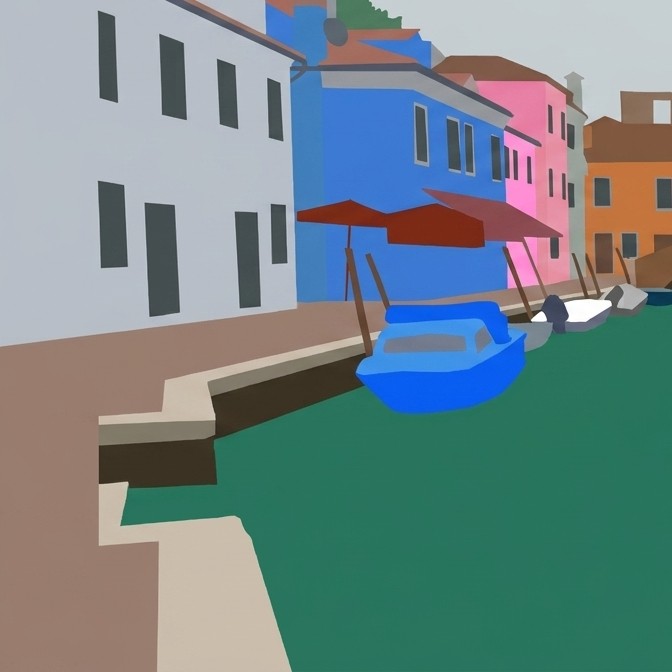
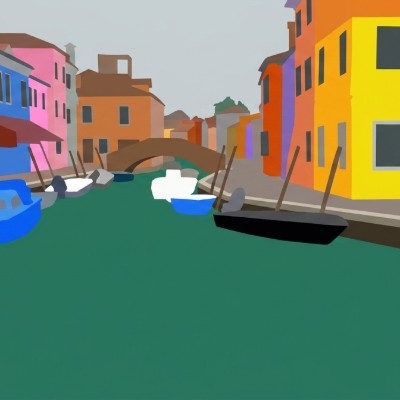
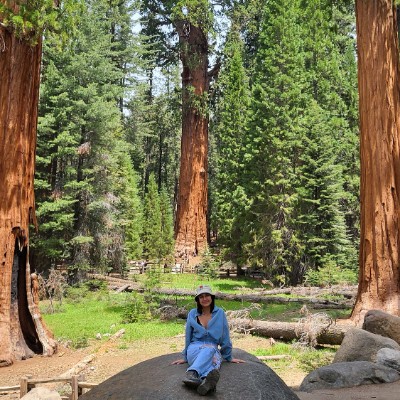
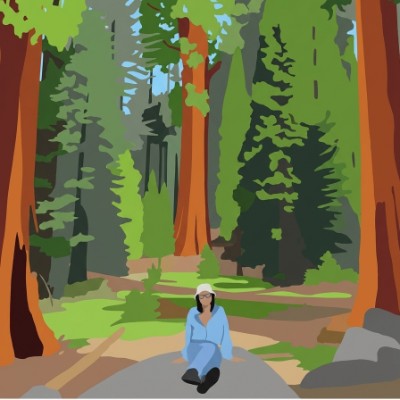
These examples show how Flat Illustration simplifies different kinds of photos: a detailed outdoor portrait becomes a cleaner subject study, a canal scene becomes easier to read as blocks of architecture and water, and a redwood forest becomes a simplified landscape with clearer structure.

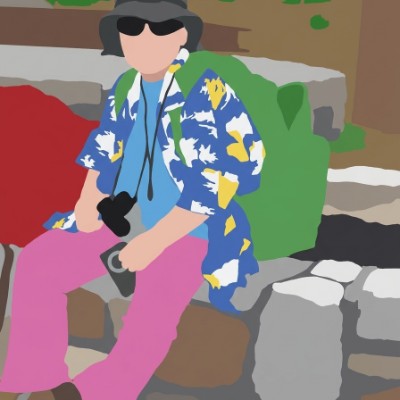
Simplified Outdoor Portrait
A child seated on stone steps is reduced into clearer shapes, flatter colors, and recognizable clothing details including sunglasses, backpack, camera, and bright pants.
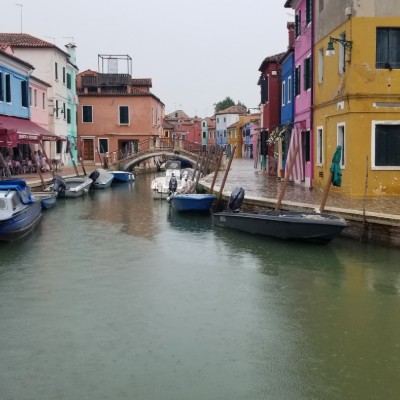
Clean Canal Structure
A detailed canal photo becomes an organized flat-color scene with separated buildings, teal water, boats, bridge, and strong architectural shapes.
Reduced Forest Detail
A redwood forest scene keeps the seated figure and towering trees while simplifying bark, foliage, path, and shadow into broader readable areas.
Flat Illustration Questions
Is Flat Illustration meant to be an art style or a utility style?
It is mainly a utility style. It creates a cleaner, simplified version of a photo that can be easier to print, edit, reference, or use as a starting point for other creative outputs.
What does Flat Illustration change in a photo?
It reduces small texture, busy shadows, and visual clutter while keeping the main subject, composition, and important color relationships recognizable.
What photos work best?
Use photos with clear subjects and readable shapes, such as portraits, rooms, streets, landscapes, plants, objects, and travel scenes. Extremely dark, blurry, or crowded photos may still be harder to simplify cleanly.
Can I use it before another style or activity workflow?
Yes. Flat Illustration can be useful as a cleaner intermediate image when you want simpler shapes and less photographic detail before continuing with another creative process.
How is this different from 2D Cartoon?
2D Cartoon is more expressive and entertainment-focused. Flat Illustration is more controlled and practical, emphasizing simplified color regions, cleaner edges, and reduced detail.