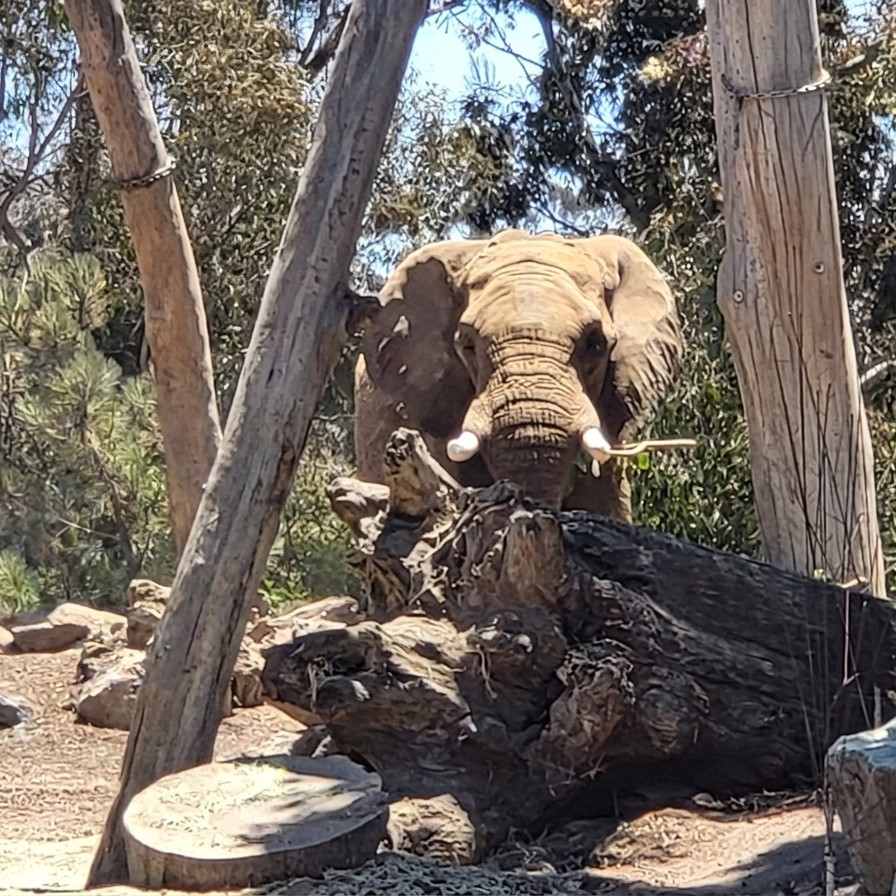
Utility
Remove Obstacles
Clear visual barriers from photos while preserving the real subject, scene, framing, and natural photo detail.
What Remove Obstacles Helps With
Remove Obstacles is for photos where the scene is already good, but something gets in the way. It can reduce or remove fences, chain-link mesh, netting, cage lines, glass glare, reflections, wires, railings, smudges, scratches, and other barriers while keeping the real subject and setting in place. The best results often feel subtle: the animal, person, landscape, waterfall, or travel moment simply looks clearer and less contained.
Keep The Moment Natural
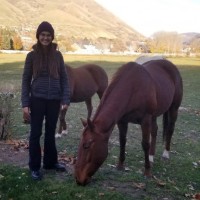
A woman beside a grazing horse can stay relaxed and candid, with the field, hills, trees, and warm outdoor setting preserved while distracting barriers are cleaned away.
Open Up Enclosures
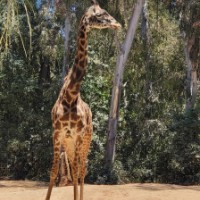
A giraffe in a naturalistic habitat can feel more open when visible fence, net, or enclosure lines are reduced, while the animal, trees, ground, and daylight remain intact.
Clean Action Photos
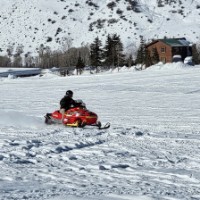
A snowmobile racing across a frozen hillside can keep its speed, snow spray, red bodywork, distant cabin, bare trees, and winter atmosphere while visual interruptions are removed.
Preserve Scenic Memories
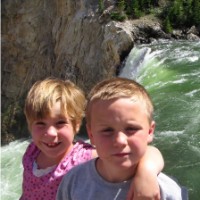
Two children by a rushing waterfall can remain the focus, with smiles, pose, rocky cliffs, green water, and movement kept natural as nearby distractions are cleaned up.
Remove Barriers Without Changing The Photo
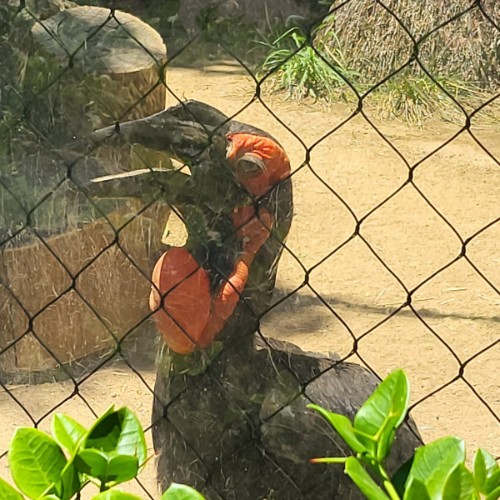
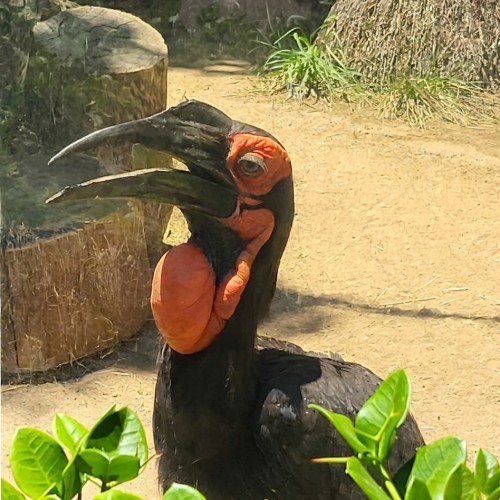
Remove Obstacles is meant to make a photo feel clearer without making it feel redesigned. Instead of turning the scene into a cutout or changing the composition, it removes visual barriers and reconstructs the covered area so the original moment still feels like itself. A hornbill behind chain-link fencing can remain in its enclosure scene, a hippo in green water can keep the same burst of spray, and a cheetah on a sunlit rock can look less fenced-in without losing the dappled leaves and natural setting.
This utility is useful for zoo photos, wildlife photos, sports photos, travel pictures, portraits, product shots, family memories, vacation scenes, photos taken through glass, and images where fences, nets, bars, wires, glare, reflections, smudges, or intrusive objects distract from what you meant to capture. It works best when the obstacle is visually separate from the subject and there is enough surrounding detail to infer what should appear behind it.
For best results, choose a photo where the main subject and scene are already strong. Thin fences, repeated mesh, netting, reflections, glare, small wires, and surface marks can often be handled more naturally than large objects covering important faces or bodies. The goal is a believable cleanup: same framing, same lighting, same subject placement, same photo character, just fewer things in the way.
Choose a blocked photo
Pick a wildlife, zoo, sports, travel, family, portrait, product, or scenery photo with a fence, net, glass reflection, glare, wire, railing, smudge, scratch, or object blocking the view.
Apply Remove Obstacles
Clean away the distracting barrier while preserving the original composition, subject placement, lighting, colors, background, and photographic detail.
Save the clearer photo
Download the cleaned result for albums, prints, social posts, travel collections, keepsakes, presentations, product pages, or personal photo organization.
Remove Obstacles Examples
These examples show subtle cleanup around wildlife and enclosure photos, where the best result keeps the scene looking natural while reducing what made it feel blocked or contained.
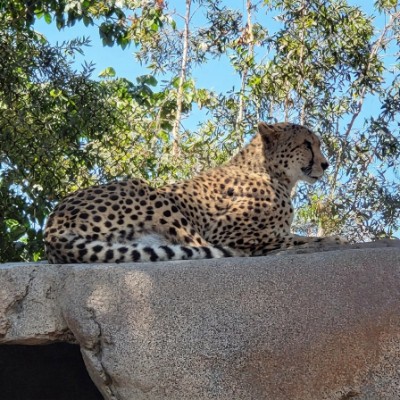
Cheetah On A Rock
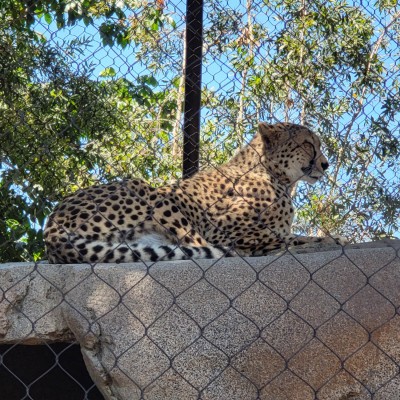
A cheetah keeps its relaxed pose, spotted coat, sunlit rock, leaves, and dappled shadows while the chain-link fence behind it is cleared from the scene.
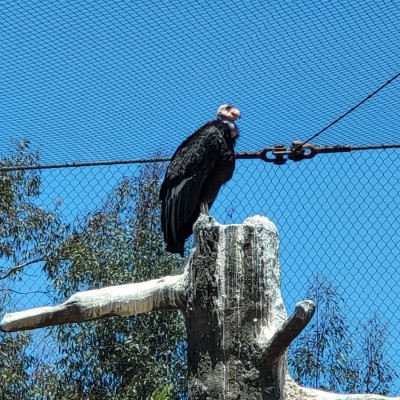
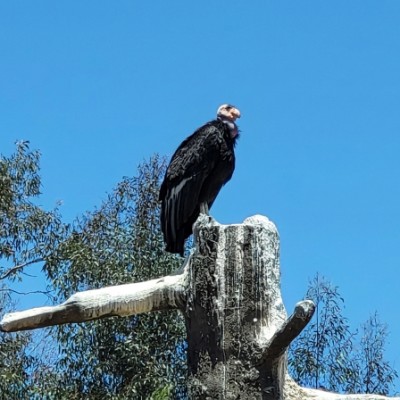
Vulture Against Blue Sky
A vulture remains perched on the weathered stump, with dark plumage, pale head, blue sky, and foliage preserved as fence lines are removed from the background.
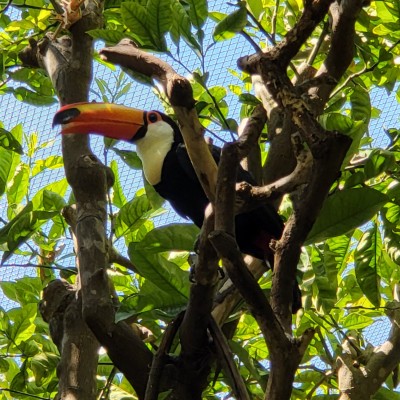
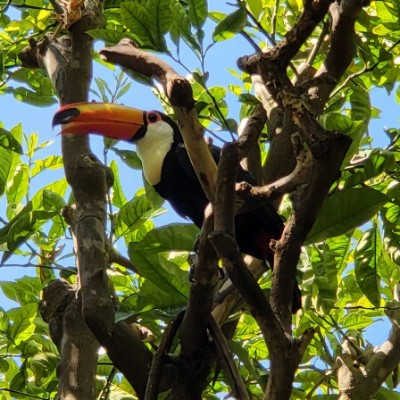
Toucan In The Leaves
A toucan keeps its bright beak, black-and-white plumage, dense green leaves, branches, and warm canopy light while distractions around the bird are reduced.
Remove Obstacles Questions
How do I remove obstacles from a photo?
Upload a photo, choose Remove Obstacles, and create the result. FotoMedley cleans away visual barriers such as fences, nets, glare, reflections, wires, railings, smudges, scratches, or objects blocking the view while preserving the original scene.
What kinds of obstacles can it remove?
It is designed for fences, chain-link mesh, wire fencing, nets, cage lines, railings, glass reflections, glare, smudges, scratches, stains, water spots, wires, cables, signs, and small objects intruding into the frame.
Why does the result sometimes look only subtly different?
That can be a good sign. Remove Obstacles is meant to keep the photo looking natural, so the best cleanup may feel quiet: the scene looks the same, but the fence, reflection, net, wire, or visual distraction no longer pulls attention.
Will it change the composition or crop?
No. The goal is to keep the same framing, subject placement, camera angle, lighting, and photographic character while removing only the obstacle and filling the covered area naturally.
Can it remove fences or nets in the background too?
Yes. It can remove barriers that are close to the camera or farther back in the scene, including background fencing, nets, cage lines, and mesh that make a subject feel contained.
Will it remove people or objects in the background?
Not by default. Background people, animals, buildings, trees, vehicles, and objects should remain unless they are clearly part of the visual obstacle or obstruction you want removed.
What photos are hardest to clean up?
Photos are harder when a large obstacle covers important faces, bodies, text, or detailed objects; when the barrier blends into the subject; when the image is blurry; or when there is not enough visible surrounding detail to rebuild what was hidden.
Can it remove glass reflections from zoo or museum photos?
Often, yes. It can reduce glare and reflection layers from glass, especially when the real subject and background remain visible underneath. Strong reflections that completely cover detail may be more difficult.
Will the cleaned photo look dramatic?
Usually it should not. This is a utility cleanup, not an art effect. A good result should look like the photo was taken with a clearer view in the first place.
What can I use cleaned photos for?
Cleaned images are useful for photo albums, prints, travel collections, wildlife memories, social posts, family keepsakes, presentations, product pages, and organizing images that were almost great except for something in the way.