Art
Woodcut
Turn favorite photos into full-frame black-and-white woodcut-style artwork with carved lines, stark contrast, and handmade block-print texture.
What Woodcut Brings Out
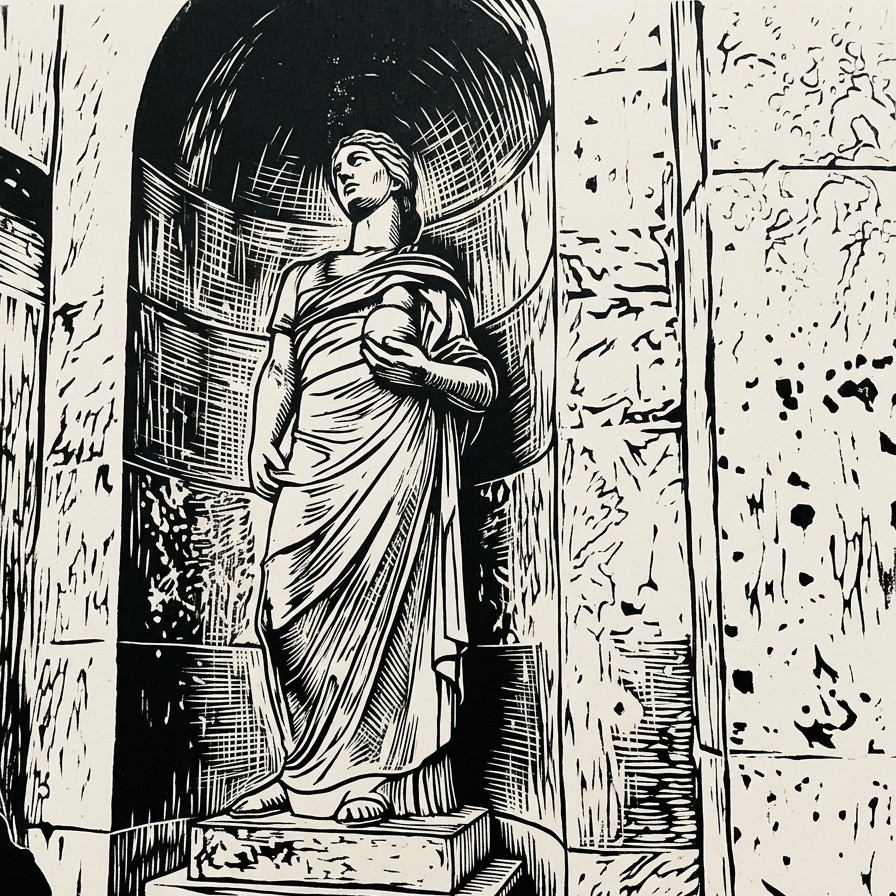
Woodcut gives photos the drama of carved black ink and white negative space. It favors strong silhouettes, bold shadows, cut-mark texture, crosshatching, simplified shapes, and graphic contrast. The style is especially strong for statues, historic rooms, architecture, monuments, flags, stormy landscapes, animals, and portraits with expressive poses or clear lighting.
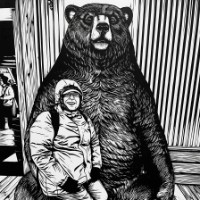
Portraits Gain Storybook Weight
A child beside a giant bear becomes a high-contrast scene with carved-looking slats, bright expression, and a dramatic balance between small figure and large animal.
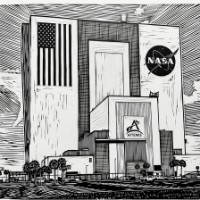
Architecture Gets Monumental
A space-themed facade can become a bold black-and-white study in scale, with hard edges, sharp linework, and graphic texture emphasizing the structure.
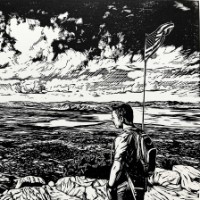
Lonely Landscapes Feel Dramatic
A beach scene with a flag and lone figure can turn stark and moody, using black sky marks, white surf, and cut-line texture to heighten the atmosphere.
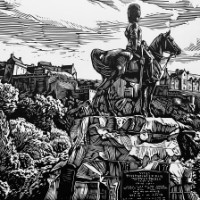
Statues And Monuments Shine
Mounted figures, stone pedestals, foliage, buildings, and city views can become intricate etched compositions with historic presence and carved detail.
Create A Woodcut From A Photo
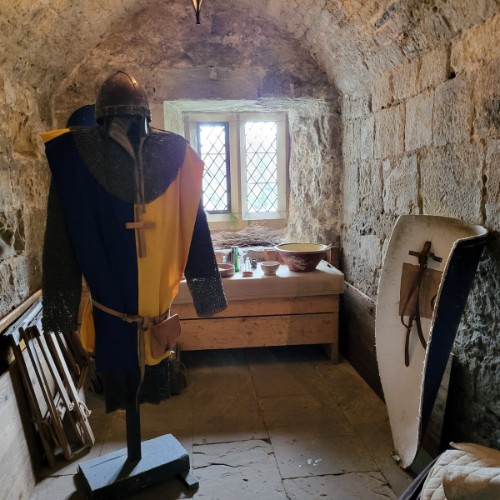
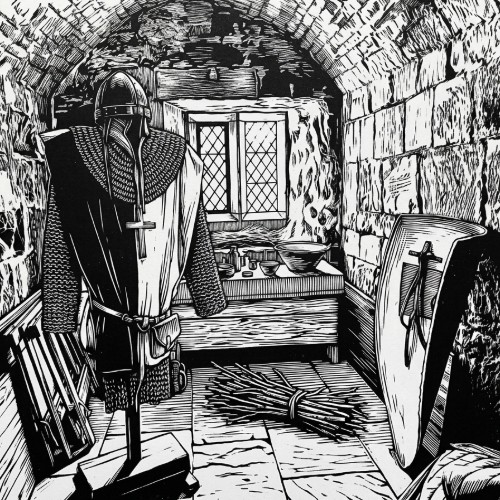
Woodcut turns a photo into full-frame black-and-white artwork built from carved lines, high contrast, crosshatching, and white negative space. Instead of placing the result on a fake sheet of paper, the artwork fills the whole image like a finished block print. A classical statue can become solemn and weathered, a knight's armor can feel ancient and somber, and a stormy beach can become a stark graphic scene.
This style works especially well for photos with strong structure and contrast: statues, castles, historic rooms, monuments, architecture, animals, portraits, forests, shorelines, flags, dramatic skies, large trees, and old stone surfaces. Clear lighting and readable shapes help the carved-line effect feel intentional.
For best results, choose a photo where the subject can survive strong simplification. Woodcut may remove color, soften fine photo detail, and replace subtle shading with black shapes, white areas, hatch marks, and gouge-like lines. Tiny text, logos, delicate facial details, and very busy backgrounds are less reliable than bold subjects and strong silhouettes.
Choose a high-contrast photo
Pick a statue, portrait, animal, landmark, historic room, tree, beach, monument, building, landscape, flag scene, or object with clear shapes and good lighting.
Apply Woodcut
Convert the photo into full-frame black-and-white artwork with carved lines, stark contrast, crosshatching, simplified forms, and handmade block-print texture.
Save the block-print artwork
Download the finished image for prints, cards, gifts, posters, album art, profile images, wall decor, historical projects, or personal creative work.
Woodcut Examples
These examples show how the style handles people, trees, and outdoor memories as stark black-and-white carved-line artwork.
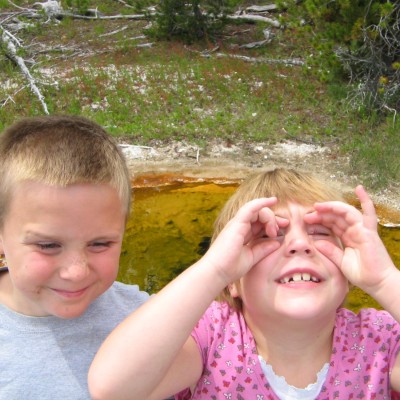
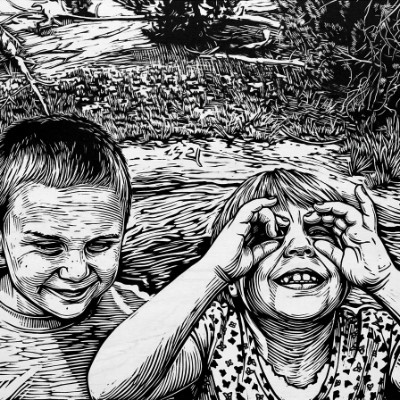
Children By The Water
Two children near a shallow pool become a playful woodcut scene with bold outlines, carved foliage, and high-contrast expressions.
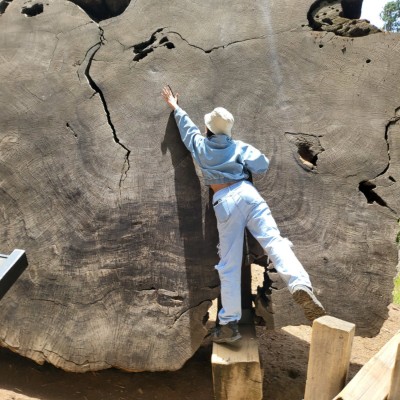
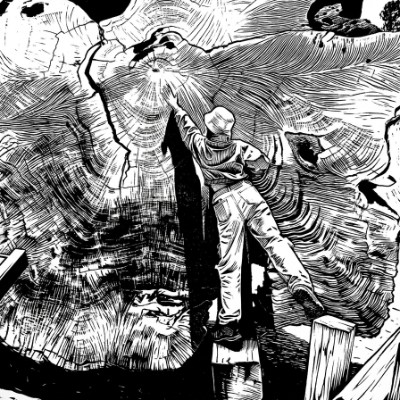
Giant Tree Encounter
A person reaching toward a massive tree trunk becomes a dramatic block-print composition with deep bark grooves and strong carved texture.
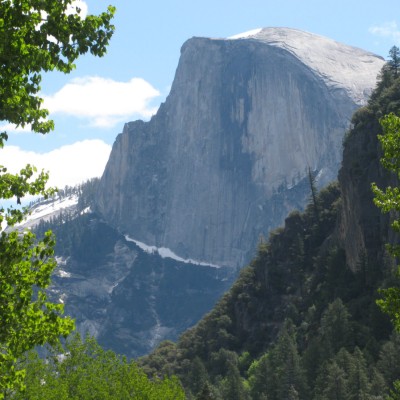
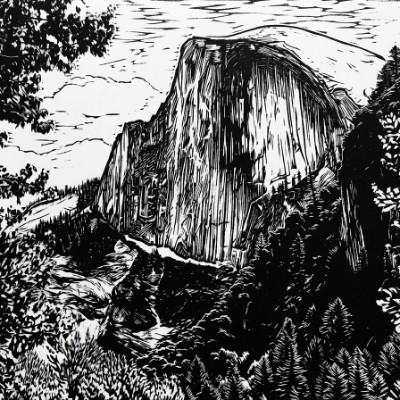
Graphic Outdoor Keepsake
An outdoor memory becomes a full-frame black-and-white woodcut with simplified shapes, strong shadows, and handmade carved-line character.
Woodcut Questions
How do I turn a photo into a woodcut-style image?
Upload a clear photo, choose Woodcut, and create the result. FotoMedley transforms the image into full-frame black-and-white artwork with carved linework, bold contrast, crosshatching, and block-print texture.
Is the Woodcut style black and white?
Yes. This style is designed for black ink and white negative space, without color, sepia, gray wash, or toned paper.
What photos work best for Woodcut?
Photos with strong contrast and clear shapes work best: statues, portraits, animals, castles, historic rooms, architecture, monuments, trees, shorelines, flags, dramatic skies, and textured objects.
Will it add a fake paper border?
No. The style is intended to fill the whole image frame edge to edge, without a fake sheet of paper, mat, border, table surface, or print mockup.
Is Woodcut good for portraits?
It can be, especially when the face is clear and the lighting has enough contrast. Very subtle expressions or tiny faces may become less detailed because the style uses strong simplification and carved marks.
Can I use Woodcut for landmarks and historical scenes?
Yes. Statues, monuments, old stone rooms, castles, flags, towers, and dramatic architecture are strong fits because they translate well into carved lines and black-and-white contrast.
Will text, logos, or small details stay accurate?
Not reliably. Small lettering, logos, signs, shirt graphics, and tiny background details may simplify or change as the image becomes a carved black-and-white design.
Can I print the finished Woodcut image?
Yes. Download the finished image and use a strong source photo for the best print. Woodcut results work well for posters, cards, gifts, framed art, album art, and historical or dramatic design projects.